Jeman


Menu bar
A live, color-coded score. Click for the status panel with live upload and download rates.
 Netlink
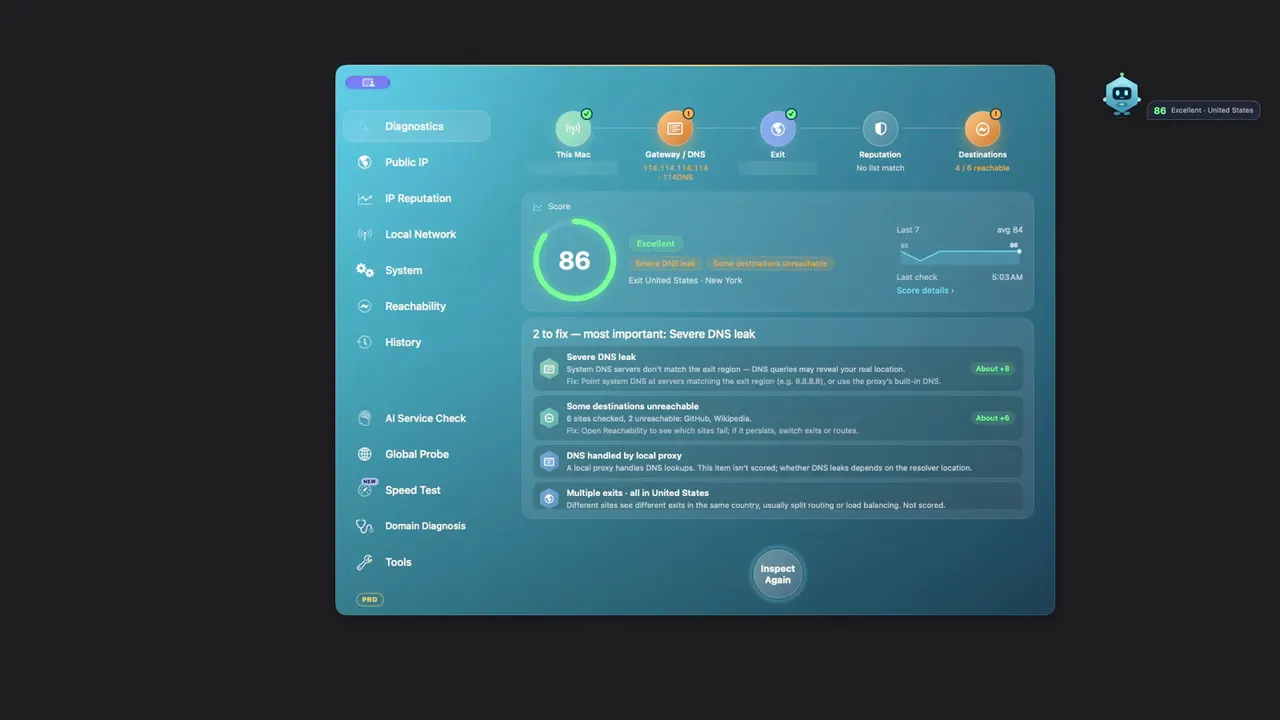
 watches your Mac's exit IP and tells you the moment it changes, then checks your VPN, proxy, DNS and time zone and sums it up in one clear score.

A live, color-coded score. Click for the status panel with live upload and download rates.
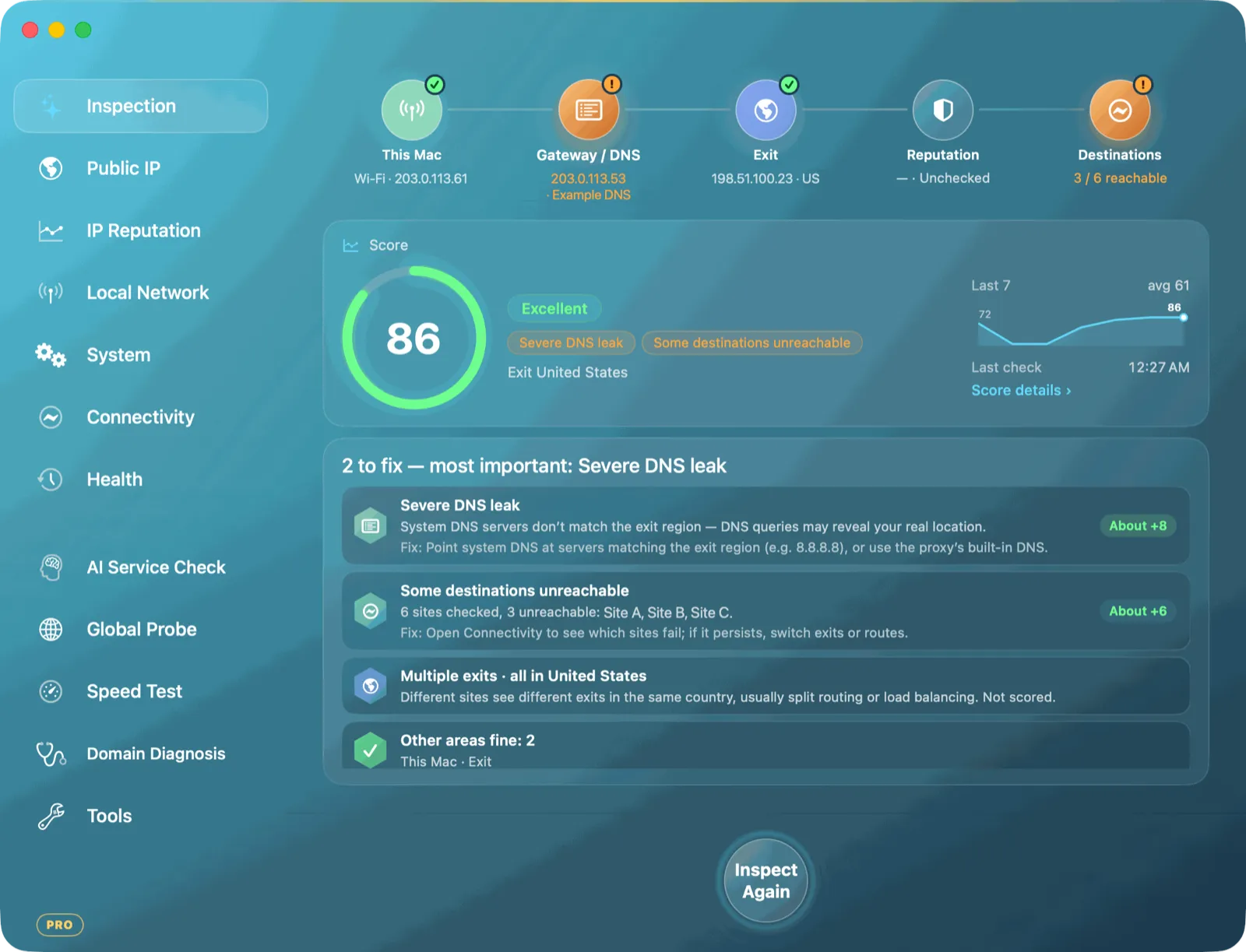
Netlink walks the path from your Mac to the open internet, then explains every deduction and how to fix it.
While Netlink is in your menu bar, it checks your exit IP in the background every 1 to 30 minutes (5 by default) and records each change on a timeline. Pro adds alerts when your exit country, ISP or DNS servers change, when the two lookup routes disagree or your score drops, plus certificate expiry reminders.
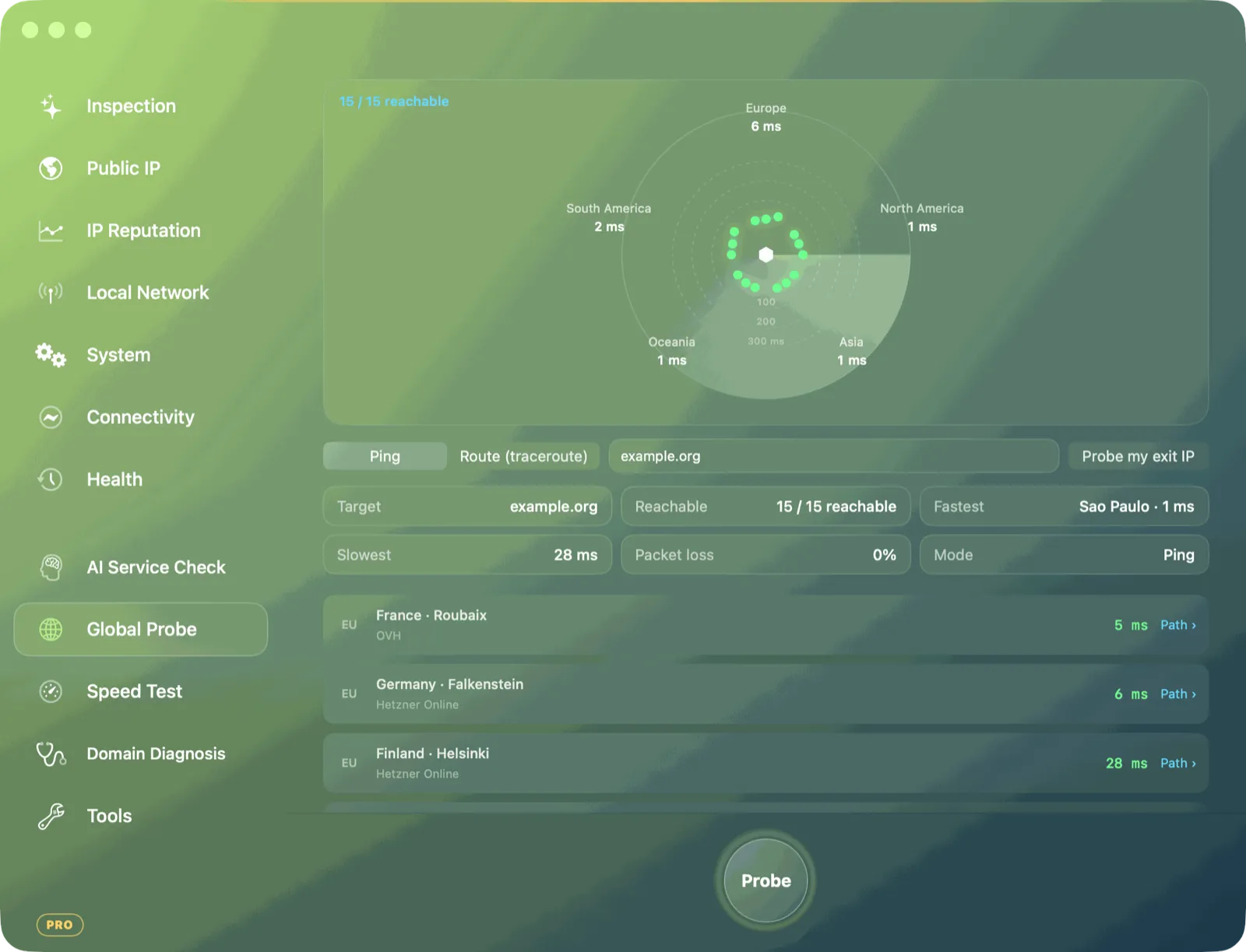
Four instruments for the questions a score can’t answer. Each one runs free once a day; Pro unlocks full details and unlimited runs.
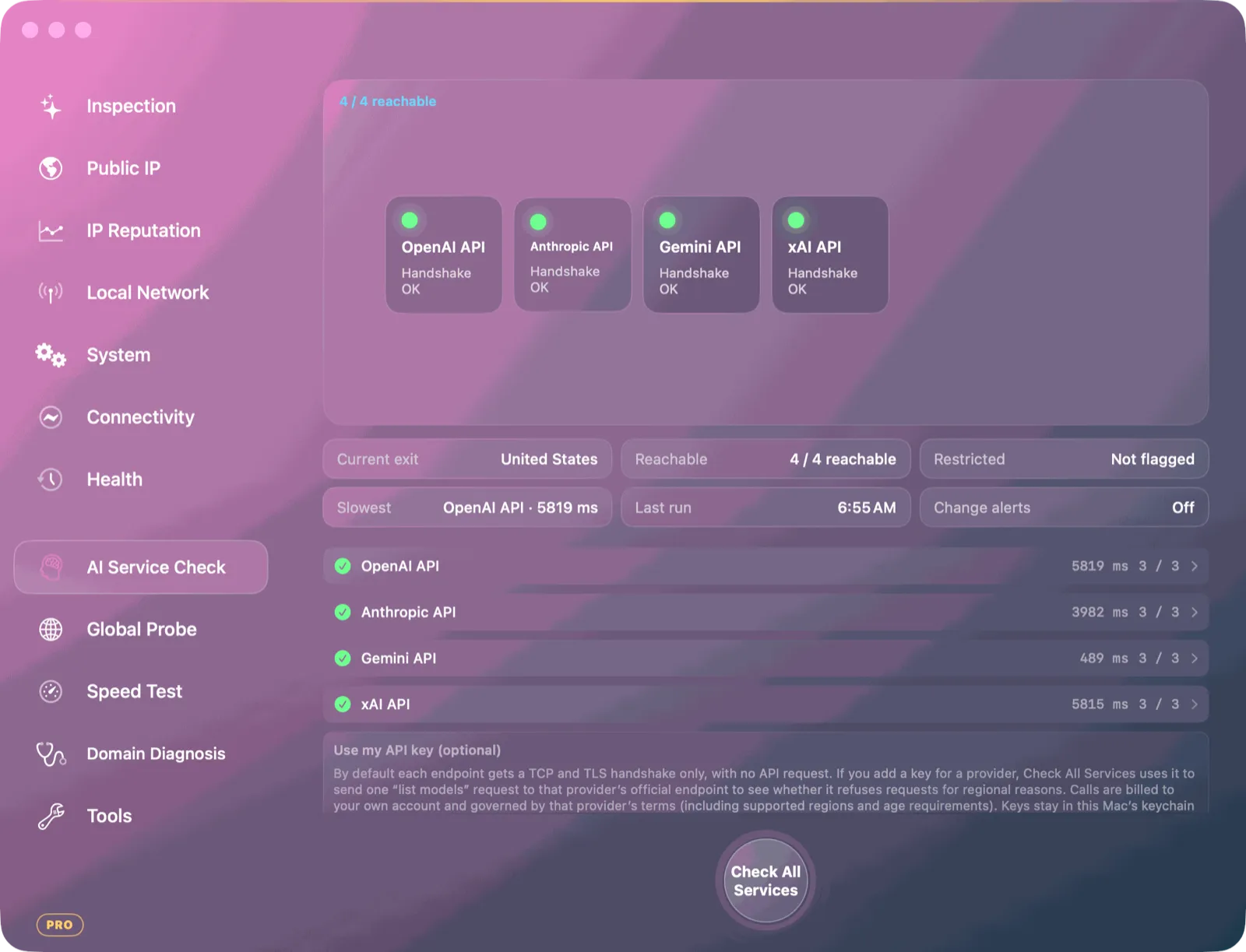
One click checks the OpenAI, Anthropic, Gemini and xAI APIs from your current exit, with a connection handshake only. No API key needed.
Built in, searchable, no extra apps.
Location, network operator and VPN or data-center flags come from databases bundled with the app.
First launch lists every service Netlink contacts. Decline, and it still works with local information.
Netlink never reads your location. Serial number and MAC address are shown on your Mac only.
Netlink runs in the macOS App Sandbox and only makes outbound connections. One click clears your results.
No subscription. Buy Pro once and keep it.
| Free | ProIn-app purchase | |
|---|---|---|
| One-click diagnostics and score | Included | Included |
| Public IP, reputation, local network, history | Included | Included |
| Menu bar, Netlink Status widget | Included | Included |
| Netlink Dashboard widget with score trend | Not included | Included |
| AI check, Global Probe, Speed Test, Domain Diagnosis, connection timing, direct vs proxy | Once a day | Unlimited, full details |
| Network toolbox | Once a day | Unlimited |
| Path trace, certificate monitor, rule alerts | Not included | Included |
| Report export | PDF with watermark | PDF, Markdown, JSON, CSV |
| Floating widget styles | Default | All styles |
| iCloud sync | Not included | Included |
Download is free. Pro is unlocked with an in-app purchase; the price is shown in your local currency on the App Store.
No. Netlink does not route your traffic. It inspects the connection you already have, including any VPN or proxy you use, and tells you how it looks from the outside.
Only the checks you agree to on first launch, such as reading your exit IP through Cloudflare. The full list of services is in the privacy policy. Decline, and Netlink works with local information only.
No. Pro is a one-time purchase. Restore it on any Mac signed in with the same Apple Account.
macOS 14 Sonoma or later. City-level location needs macOS 26 or later; earlier versions show the country.
Open Score details to see every deduction, its cause and an estimated gain for fixing it, with a shortcut to the right System Settings pane.

Free on the Mac App Store. Requires macOS 14 or later.
On your iPhone? Netlink is a Mac app. Tap the link to open it on the App Store, or send the link to your Mac.
 86